What Is a DXF File?
A DXF file (Drawing Exchange Format) is a 2D vector file type developed by Autodesk in 1982. It stores lines, arcs, circles, and shapes as precise mathematical coordinates rather than pixels.
Because DXF is an open, universal format, it lets designs move freely between different CAD programs and machines. This makes it the go-to file type for sending designs to CNC routers, laser machines, and plasma tables.
What Is a DXF File Used For?
• Sending 2D cutting and engraving paths to CNC machines.
• Exchanging drawings between different CAD software platforms.
• Generating toolpaths in CAM software for routing, cutting, and marking.
• Sharing scalable, editable designs without losing precision.
DXF files are especially popular for plasma cutting, laser cutting, laser engraving, and CNC routing because the format preserves exact dimensions that machines need to cut accurately.
Software to Create a DXF File
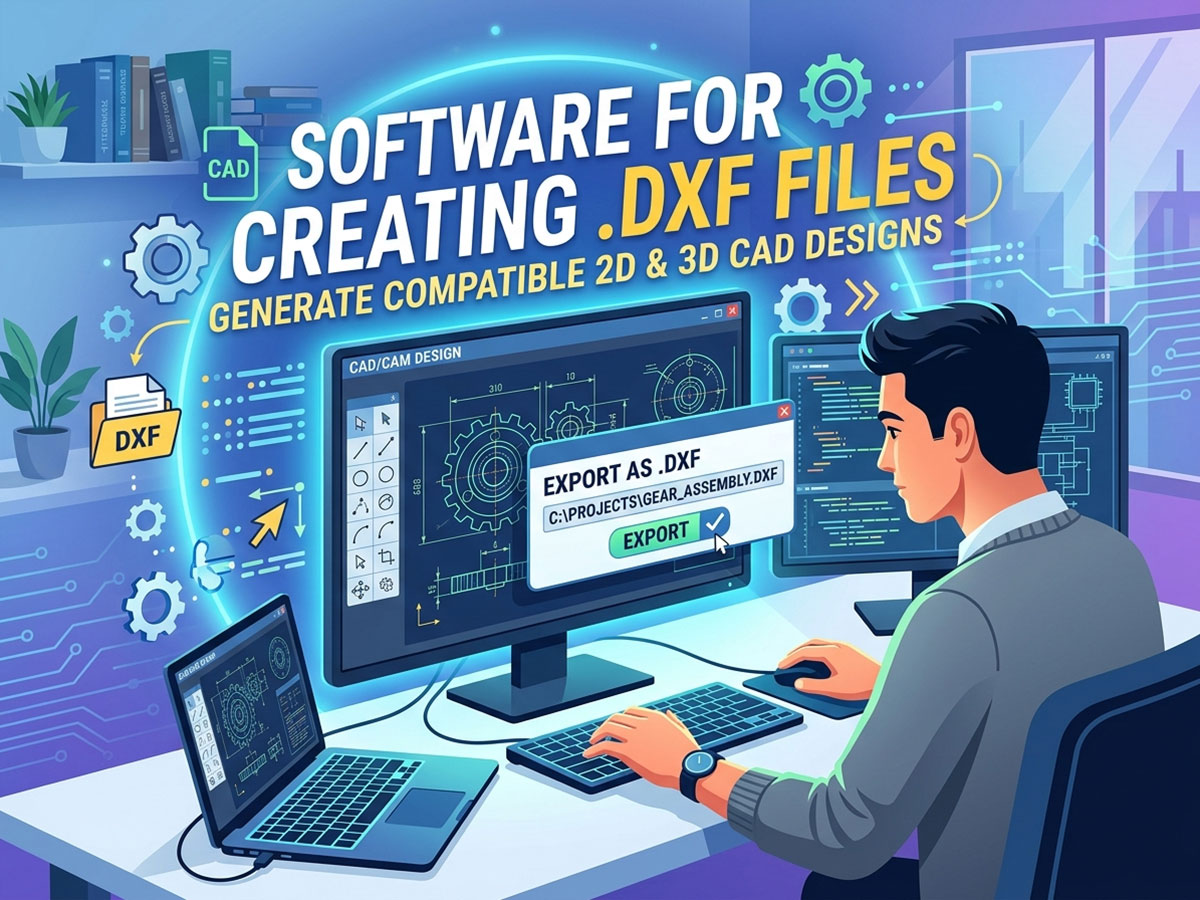
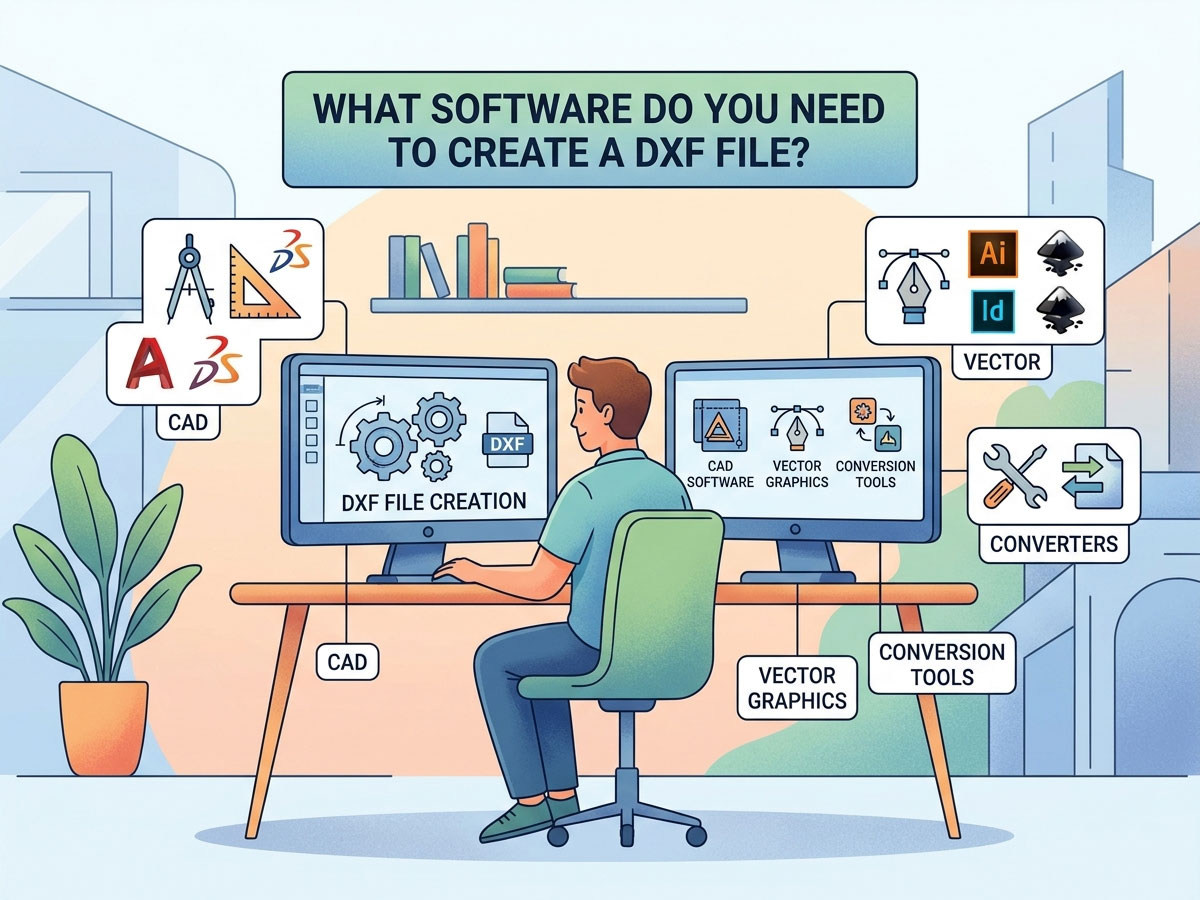
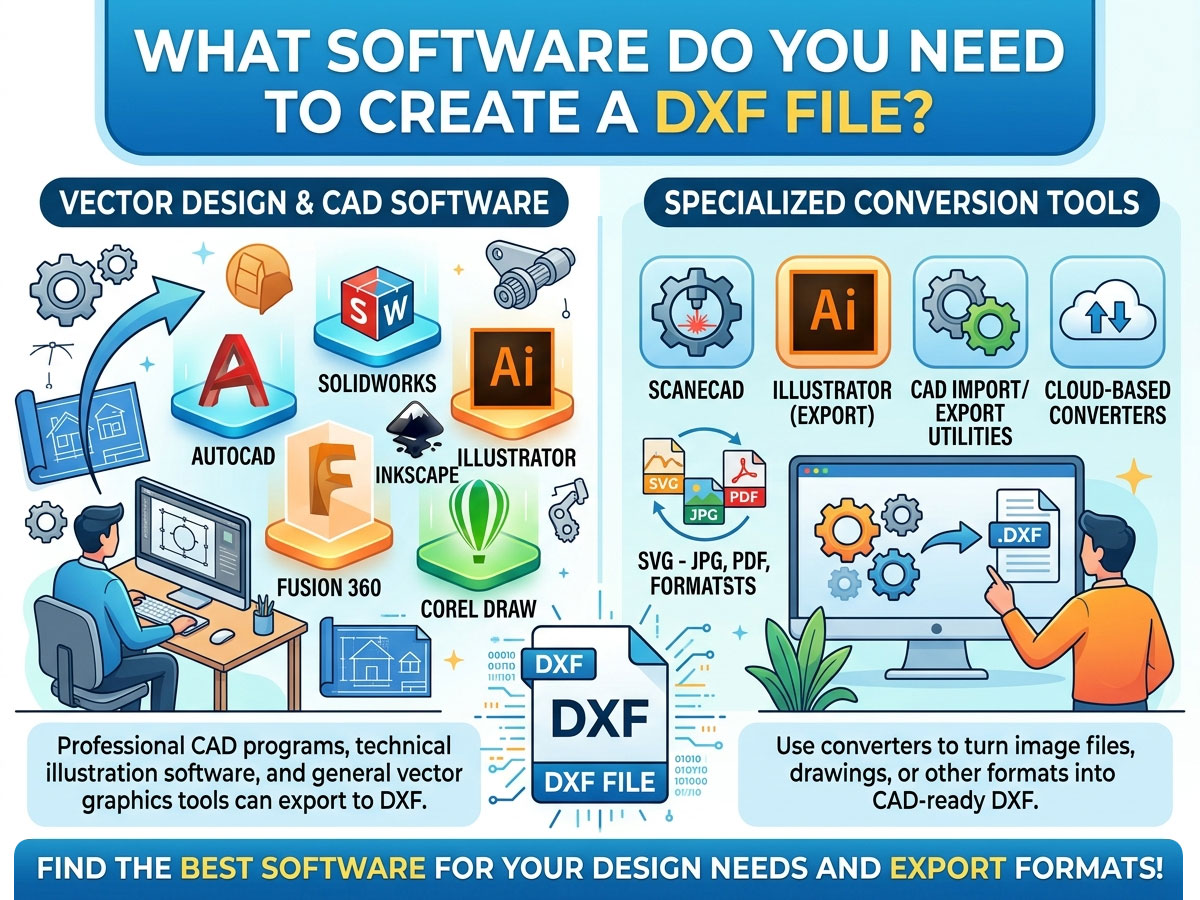
Any program that exports to .dxf can create a DXF file. The right choice depends on whether you need 2D drafting, 3D modeling, or vector artwork, and on your budget. Here is a comparison of the most widely used options.
| Software | Price | Type | Best For |
| LibreCAD | Free | 2D CAD | Hobbyists and beginners drafting simple 2D parts |
| QCAD | Free / Paid | 2D CAD | Technical drawings with a large parts library |
| FreeCAD | Free | 2D + 3D CAD | Open-source 2D drafting and 3D modeling |
| Inkscape | Free | Vector graphics | Converting artwork and logos to cuttable DXF |
| DraftSight | Free / Paid | 2D CAD | AutoCAD-style interface at lower cost |
| Fusion 360 | Paid (free for hobby) | 2D + 3D CAD/CAM | Professional CNC design plus toolpaths |
| AutoCAD | Paid | 2D + 3D CAD | Industry-standard professional drafting |
| Adobe Illustrator | Paid | Vector graphics | Designers converting vector art to DXF |
Free vs. Paid: Which Should You Choose?
You do not need expensive software to create a usable DXF file. Match the tool to your project complexity:
• Choose free software (LibreCAD, FreeCAD, Inkscape) if you are a hobbyist, making simple 2D shapes, or just getting started.
• Choose paid software (AutoCAD, Fusion 360) if you need 3D modeling, integrated CAM toolpaths, professional support, or work in a commercial shop.
How to Create a DXF File: Step by Step
The process is similar across most programs. Here is the general workflow using any CAD or vector tool:
• Open your design software and start a new 2D drawing or document.
• Draw your design using lines, arcs, circles, and curves. Keep everything to exact real-world dimensions.
• Set the correct units (millimeters or inches) so your machine cuts at the right scale.
• Clean up the geometry by closing open paths, joining lines, and removing duplicate or overlapping shapes.
• Go to File > Save As or File > Export and choose the .dxf format from the file type list.
• Select a DXF version if prompted (R12 is the most universally compatible with older machines and software).
Converting Other Files to DXF
Sometimes you already have a design in another format. You can convert many file types into DXF rather than redrawing from scratch.
| Convert From | Recommended Tool | Notes |
| Image (JPG, PNG) | Inkscape, Scan2CAD | Requires tracing to vector first |
| SVG vector file | Inkscape | Direct export to DXF |
| PDF drawing | Online converters, Illustrator | Best with vector-based PDFs |
| DWG file | AutoCAD, DraftSight, QCAD | DWG and DXF are closely related |
| DXF to PDF (reverse) | Any CAD viewer, print to PDF | For sharing or documentation |
When converting an image to DXF, remember that photos must first be traced into clean vector outlines. Image-to-DXF conversion works best with simple, high-contrast logos and line art, not detailed photographs.
How to Open and View a DXF File
Creating a DXF is only half the job. You also need to open and check it before sending it to your machine.
Ways to Open a DXF File
✓ CAD software: AutoCAD, LibreCAD, QCAD, and FreeCAD all open DXF files natively.
✓ Free DXF viewers online: Browser-based viewers let you preview a file without installing anything, ideal for a quick check.
✓ Vector editors: Inkscape and Adobe Illustrator open and edit DXF artwork.
✓ Machine software: LightBurn (laser), Mach5, and similar control software import DXF directly for cutting.
To open a DXF in AutoCAD, simply use File > Open and select the .dxf file, or drag it into the workspace. For machine-specific import, your CNC and laser software reads the DXF and converts the geometry into cutting toolpaths.
Using DXF Files with Your CNC, Laser, or Plasma Machine
DXF is the bridge between your design and your machine. The typical workflow looks like this:
Design in CAD → Export as DXF → Import into CAM or machine control software → Generate toolpaths or G-code → Cut. To learn how the next stage works, read the STYLECNC guide on how to generate a G-code file from your design.
• CNC routers: DXF files define 2D profiles for cutting wood, acrylic, and composites. Pair with CAM software to generate toolpaths.
• Laser cutters and engravers: DXF outlines tell the laser exactly where to cut or score. Programs like LightBurn import DXF directly.
• Plasma cutters: Free DXF files for plasma cutting are widely available online, making it easy to start producing metal art and parts.
If you are choosing tools for your machine, the STYLECNC CNC programming software list outlines which design and control programs work best for routers, lasers, and plasma tables.
Where to Find Free DXF Files
If you would rather start with ready-made designs, many free DXF libraries exist online. These are perfect for laser cutting, plasma art, and CNC projects.
• Free DXF files for laser cutting: signs, ornaments, boxes, and decor templates.
• Free DXF files for plasma cutting: metal art, brackets, and functional parts.
• Community libraries and maker forums where users share their designs.
Always test a downloaded DXF on scrap material first, since file quality and scale can vary between sources.
Frequently Asked Questions
What is the easiest free software to create a DXF file?
LibreCAD is the easiest free option for beginners creating 2D DXF files. For converting logos and artwork, Inkscape is the simplest free vector tool that exports to DXF.
Can I create a DXF file without AutoCAD?
Yes. AutoCAD is not required. Free programs like LibreCAD, FreeCAD, and Inkscape all create and export DXF files that work with CNC, laser, and plasma machines.
How do I open a DXF file online?
Use a browser-based DXF viewer. Upload the file to a free online DXF viewer to preview the drawing without installing software. For editing, use desktop CAD or vector software.
What is the difference between DXF and DWG?
Both are Autodesk formats. DWG is the native AutoCAD format, while DXF is an open exchange format designed for compatibility across different programs. DXF is more universally accepted by CNC and laser machines.
Can I convert an image to a DXF file?
Yes, but the image must be traced into vector outlines first. Tools like Inkscape and Scan2CAD convert simple, high-contrast logos and line art to DXF. Detailed photos do not convert well.
Which DXF version should I save in?
Save in the R12 version for the broadest compatibility with older machines and software. Newer versions support more features but may not be readable by all CNC and laser control programs.
From Design File to Finished Part
Once you can create clean DXF files, you are ready to turn designs into real parts. Explore STYLECNC CNC software and design tools, browse the CNC router lineup, or see the full range of laser engraving machines and laser cutting machines to bring your DXF designs to life.