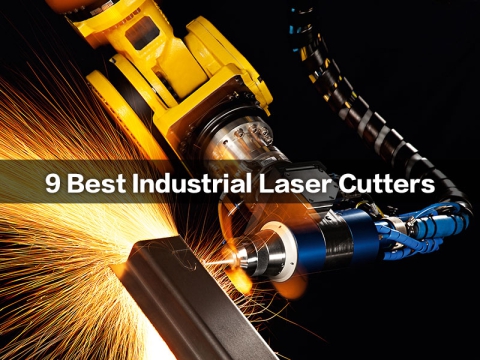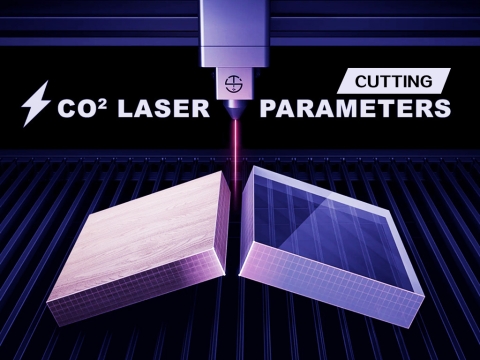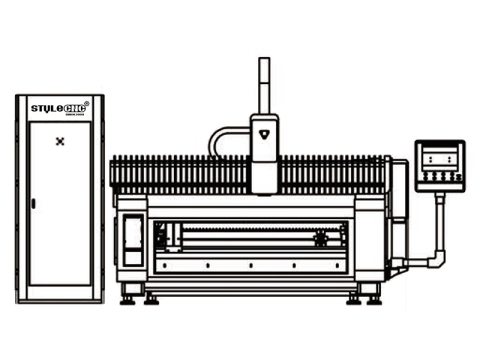
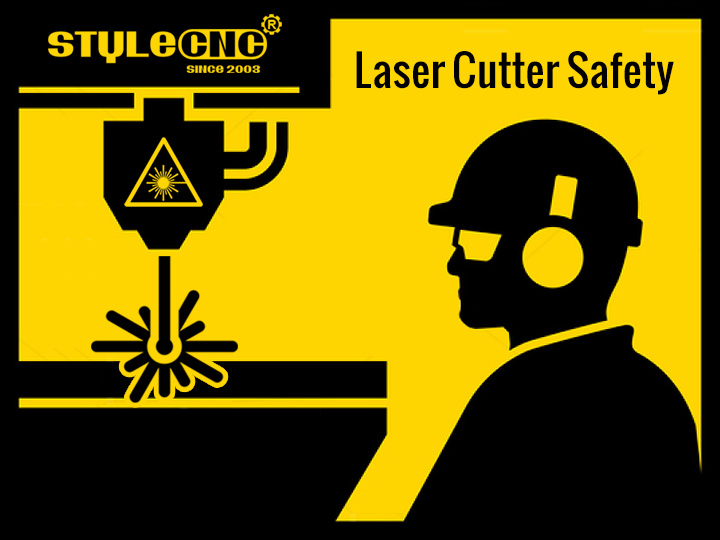
A laser cutter is a cutting device which focuses a high energy laser beam onto a material resulting in a high quality and dimensionally accurate cut. These devices can be used to cut, etch, engrave, or drill a variety of materials. They are often easily affordable and easy to use causing the use of laser cutters by schools, hobbyists, small businesses, makerspaces and universities to expand significantly. Laser cutters are normally fully enclosed systems that prevent laser operation unless the safety interlocked doors are fully closed. They typically contain a carbon dioxide (CO2) laser that produces invisible laser radiation at a wavelength of 10600 nm in the infrared spectrum.
CLASSIFICATION
Since they are a fully enclosed and interlocked systems, laser cutters are normally a low-risk, Class 1 lasers in accordance with ANSI Z136.1 Safe Use of Lasers. These devices are safe when used as designed, without manipulating the safety features, and are exempt from UW laser registration and other control measures.
However, the lasers embedded inside the enclosed system are often Class 3B or Class 4 lasers, which emit high energy laser beams capable of causing serious eye and skin injury if the beam is not contained within the device. Therefore, safety interlocks should never be bypassed without permission from Radiation Safety.
Laser cutters must be obtained from a reputable suppliers and must be in full compliance with the FDA regulations.
TRAINING AND PPE
All users must be properly trained on the potential hazards, control measures, lab and manufacturer's operating procedures, use of personal protective equipment (PPE), emergency procedures, and safety precautions for operating the laser cutter.
Other required training includes Fire Extinguisher Training by STYLECNC.
Required PPE includes safety glasses to protect eyes from particles, debris, etc., proper skin protection to reduce burns, and hearing protection (if necessary).
HAZARDS AND PRECAUTIONS
Laser Light
The invisible high energy laser beam can cause severe eye damage, including blindness and serious skin burns. The doors are interlocked such that the laser beam will be disabled when the doors are opened. This will completely contain the laser beam under normal. The invisible high energy laser beam can cause severe eye damage, including blindness and serious skin burns. The doors are interlocked such that the use.
Improper use of the controls and modification of the safety features may cause serious eye injury and burns.
DO NOT modify or disable any safety features of the laser system.
DO NOT operate the laser unless all covers are in place and interlocks are working properly.
DO NOT look directly into the laser beam.
Fire
The high intensity laser beam can produce extremely high temperatures and significant amounts of heat as the substrate material is burned away while cutting.
Some materials can catch fire during cutting operations creating fumes and smoke inside the device.
Dirt and debris may cause fire and a poor quality cut or mechanical component failure
It is important that users remain with the laser during operation to ensure that any flare‐ups/flame are properly contained and extinguished.
Obtain the Safety Data Sheet (SDS) from the material's manufacturer when handling or processing the materials.
DO NOT use materials that are highly flammable, explosive or produce toxic byproducts.
DO NOT remove material from the cutting bed before it has cooled.
DO NOT leave a laser cutter operating unattended.
ALWAYS clean up clutter, debris and flammable materials in the laser cutter after use.
ALWAYS keep a properly maintained fire extinguisher nearby.
Air Contaminants
Laser cutters will generate fumes, vapors, particulates, and metal fumes from substrate that can be highly toxic (plastics and other combustible materials).
All laser cutter systems must be equipped with a fume exhaust system and filtration system that meets manufacturer specifications.
These fumes or air contaminants can damage the machine and harm your health. If the air filter or exhaust system is malfunctioning, immediately stop operating the laser cutter and notify your supervisor.
Filters must be changed regularly according to the frequency of use or as specified by the manufacturer.
DO NOT cut a material that has not been approved by the manufacturer.
DO NOT use a laser cutter with a malfunctioning exhaust system or clogged air filter.