Introduction
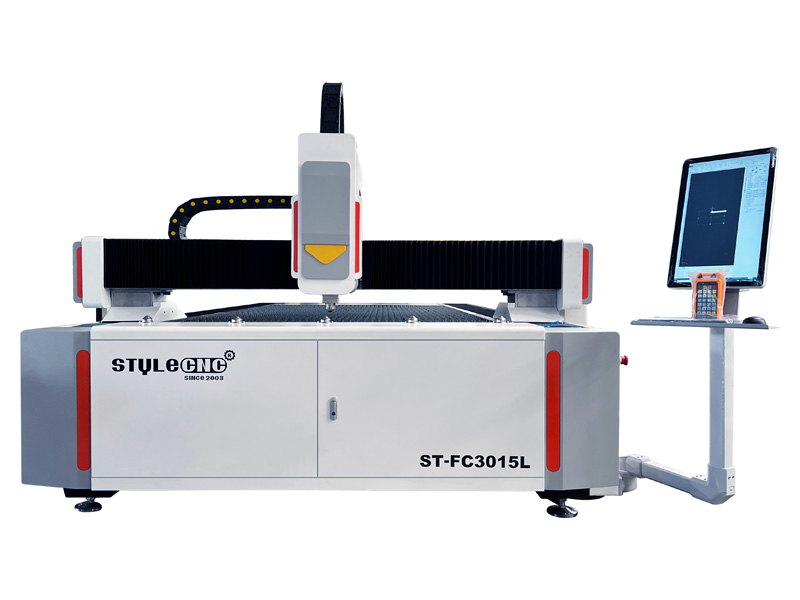
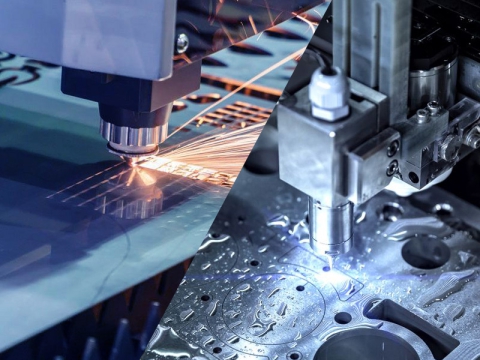
Laser cutting machine is a non-contact subtractive cutter that uses laser beam to cut materials for hobbyists and industrial manufacturing applications. The working principle of laser cutting is to guide the output of a high-power focused laser beam to melt the material so that the edge has a high-quality surface finish. The industrial-grade maintenance-free laser cutting system series has outstanding technical advantages, ultra-low power consumption, reduced operating costs and repeatable and accurate laser positioning performance, setting a new benchmark for the cutting of complex patterns, and at the same time, setting a new benchmark and the inspection standards of the quality of the workmanship.
Ready To Work
Before use, check whether all connections of the laser cutting machine (including power supply, PC and exhaust system) are correct and plugged in correctly. Visually check the condition of the laser machine. Ensure that all mechanisms move freely, and check that there is no material under the processing table. Ensure that the work area and optical components are clean, and clean if necessary.
Steps
1. Follow the safety operation procedures of laser cutter machine, and start the laser according to the startup procedure of the laser.
2. The operator must be trained to be familiar with the structure and performance of the equipment, and to master the relevant knowledge of the operating system.
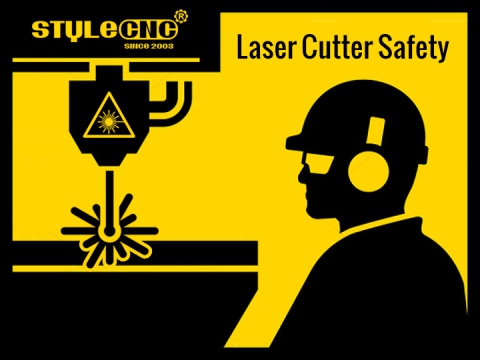
3. Wear good labor protection supplies, in the vicinity of the laser beam must be worn in accordance with the provisions of the protective glasses.
4. Do not have to know whether a material can be used for laser irradiation or heating, not to its processing, so as to avoid the potential dangers of smoke and steam.
5. Operators are not allowed to leave the post without permission to stay in the pipe, such as the need to stop or cut off the power switch if you really need to leave.
6. Fire extinguishers should be placed in readily accessible places; do not process to turn off the laser or shutter; do not place in the vicinity of the laser beam without protection of paper, cloth or other flammable.
7. Abnormal in the process of processing, should be immediately shut down, in a timely manner to eliminate the failure or reported to the competent personnel.
8. Keep the laser, bed and around the site clean and orderly, no pollution, waste, according to the provisions of the workpiece, sheet piling.
9. The use of gas cylinders, should avoid crushing welding wire, so as to avoid leakage accident.
9.1. The use of gas cylinders, transport should comply with the rules of gas cylinders.
9.2. The ban of gas cylinders in the sun or near the heat of the sun.
9.3. When the valve is opened, the operator must stand on the side of the bottle mouth.
10. To comply with the high pressure safety procedures.
11. Maintain 40 hours per week or 1000 hours per week, and follow the procedures.
12. Boot should be manual low speed X, Y direction starting machine, check to confirm whether the abnormal situation.
13. The new work program should input after the trial run, and check the operation.
14. During the work, observe the operation of the laser cutting machine, so as to avoid the cutting machine out of the effective range or two sets of collision caused the accident.
So in the operation which must pay attention to, and usually pay attention to maintenance to increase the service life of laser cutting machine, cost savings, and create greater benefits.