How Much Does it Cost to Start a CNC Sign-Making Business?
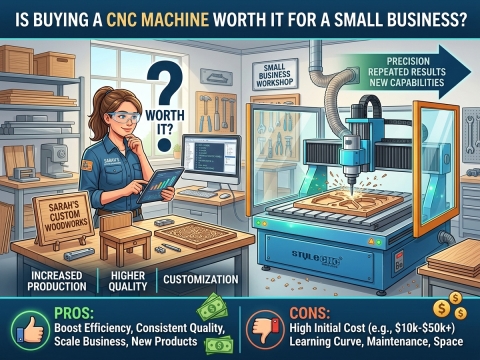
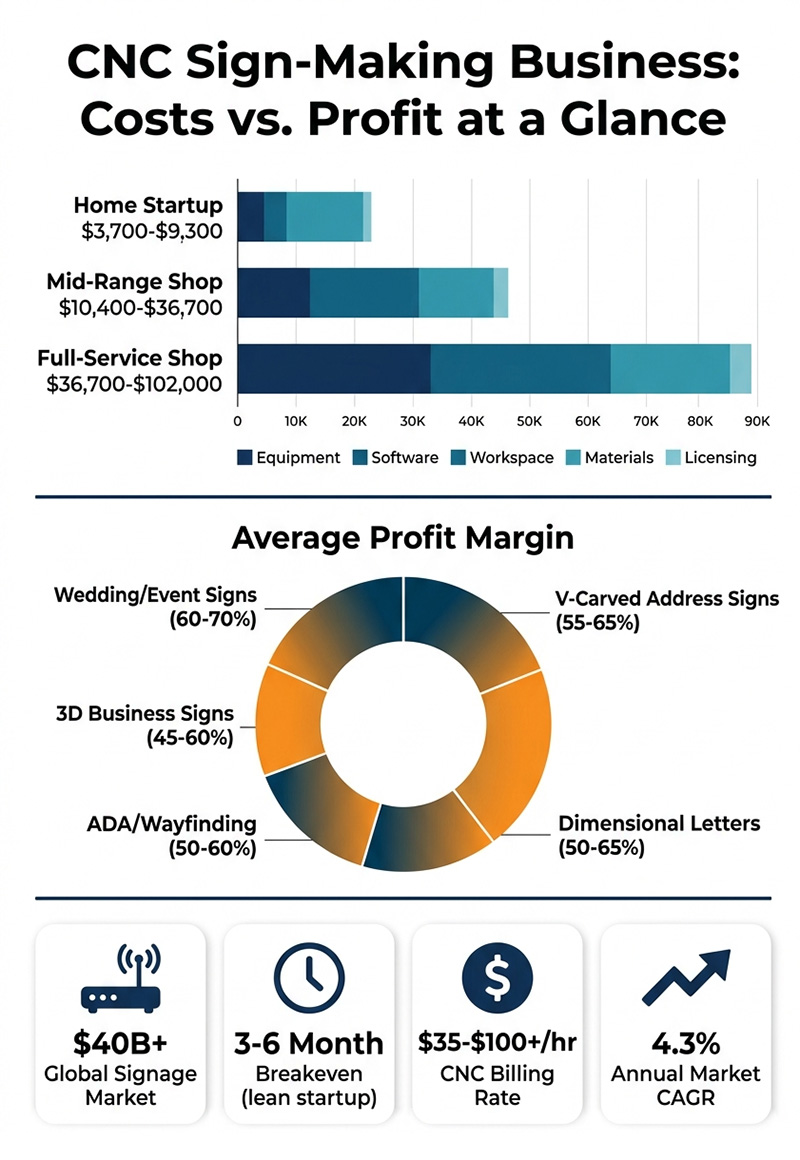
A CNC sign-making business typically requires $8,000 to $50,000 in startup capital. Entry-level setups with a hobby CNC router, design software, and basic materials start around $8,000, while mid-range operations with industrial equipment, dust collection, and a dedicated workspace range from $20,000 to $50,000. Profit margins on custom CNC signs generally fall between 40% and 65%, depending on material choice, design complexity, and order volume.
Why CNC Sign Making Is a Profitable Business Opportunity?
The global signage market is valued at nearly $40 billion and continues to grow at a compound annual growth rate of over 4%, driven by demand from retail, hospitality, real estate, and corporate branding. Within this landscape, custom CNC-routed and laser-engraved signs occupy a premium niche. Businesses and consumers increasingly seek dimensional, handcrafted-looking signage that vinyl plotters and flat-printed banners simply cannot replicate. A CNC router transforms raw sheets of wood, acrylic, PVC, foam, and aluminum into high-margin finished products, often while the operator works on design, finishing, or sales in parallel.
Whether you plan to run a home-based side business or open a full-service sign shop, CNC sign making offers scalable entry points, low per-unit material costs, and strong repeat-order potential. This guide breaks down the real-world startup costs, essential equipment, profitable sign types, pricing strategies, and operational steps needed to launch and grow a successful CNC sign-making business.
What CNC Sign Making Involves?
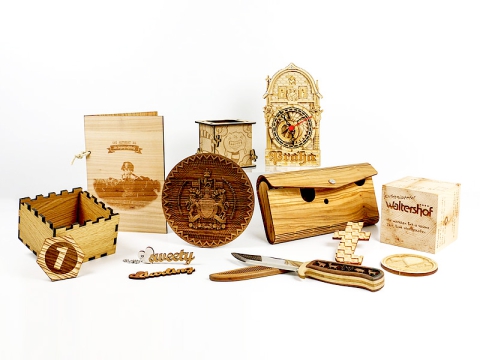
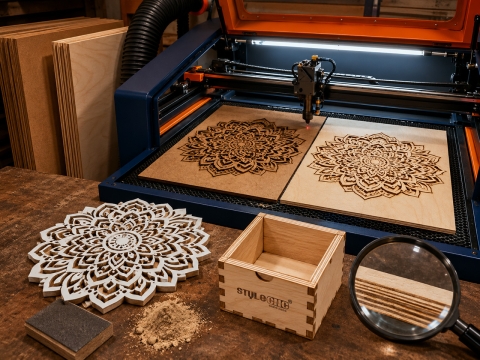
CNC sign making uses computer-controlled cutting, carving, and engraving to produce custom signage from a variety of substrates. The operator creates or imports a vector design in CAD/CAM software, generates toolpaths, and sends instructions to the machine. The CNC wood router or laser system then removes material with precision measured in thousandths of an inch, producing dimensional letters, V-carved text, 3D relief panels, channel letters, ADA-compliant tactile signs, and decorative wall art.
Common sign-making processes include 2D profile cutting (letters and shapes), V-carving (classic tapered lettering), 3D relief carving (sculpted logos and imagery), pocket routing (recessed backgrounds), and laser engraving (fine detail on wood, acrylic, and coated metals). Most sign shops combine two or more of these techniques on a single project to create multi-layered, visually rich signage.
Startup Cost Breakdown
Understanding your total investment before purchasing equipment prevents undercapitalization, which is the leading cause of failure among new sign businesses. The table below outlines realistic cost ranges for three common entry points.
| Cost Category | Home Startup | Mid-Range Shop | Full-Service Shop |
|---|---|---|---|
| CNC Router or Laser | $2,000 - $5,000 | $5,000 - $20,000 | $20,000 - $60,000+ |
| CAD/CAM Software | $350 - $700 | $700 - $1,500 | $1,500 - $3,000 |
| Tooling and Bits | $200 - $500 | $500 - $1,200 | $1,200 - $2,500 |
| Dust Collection System | $150 - $400 | $500 - $2,000 | $2,000 - $5,000 |
| Raw Materials (Initial) | $300 - $800 | $800 - $2,000 | $2,000 - $5,000 |
| Finishing Supplies | $200 - $500 | $500 - $1,000 | $1,000 - $2,500 |
| Workspace Setup | $0 (garage/shed) | $1,000 - $5,000 | $5,000 - $15,000 |
| Business Licensing/Insurance | $300 - $800 | $800 - $2,000 | $2,000 - $4,000 |
| Marketing and Website | $200 - $600 | $600 - $2,000 | $2,000 - $5,000 |
| Total Estimated Range | $3,700 - $9,300 | $10,400 - $36,700 | $36,700 - $102,000 |
Forum discussions on CNCZone and WOODWEB consistently confirm that new sign makers who start lean with a hobby CNC router in a garage or workshop can break even within three to six months when they focus on local B2B clients and maintain disciplined pricing.
Essential Equipment for a CNC Sign Shop
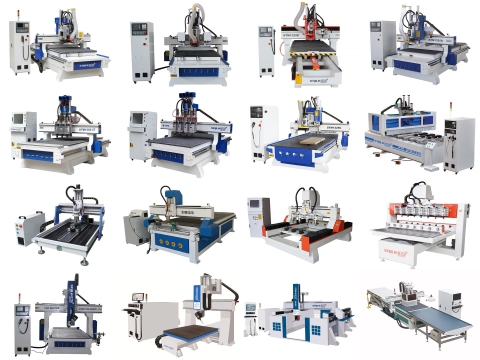
Your choice of CNC machine is the single most important equipment decision. It determines which materials you can work with, the maximum sign size you can produce, and the level of detail available for intricate designs.
CNC Router vs. Laser Engraver
A CNC router excels at cutting and carving thick substrates such as HDU foam, solid wood, PVC sheet, and aluminum composite. It handles dimensional lettering, deep V-carving, and full 3D relief work. A laser engraving machine delivers superior fine-detail engraving on thinner materials, including acrylic, coated metals, leather, and glass. Many successful sign shops operate both machine types to cover the full range of customer requests.
Equipment Checklist
• CNC router (4' x 8' bed recommended for standard sheet goods)
• Laser engraver or cutter (CO2 for non-metals, fiber for metals)
• Dust collection and air filtration system
• V-bits, ball nose bits, compression bits, and engraving bits
• CAD/CAM software (VCarve Pro, Aspire, or equivalent)
• Clamps, hold-down systems, and spoilboard surfacing tools
• Finishing station with spray equipment, sandpaper, and sealants
• Digital calipers, square, and measuring tools for quality control
Understanding how much CNC routers cost across different machine classes helps you match your investment to your projected revenue and the types of signs your market demands.
Most Profitable CNC Sign Types
Not all sign projects deliver equal margins. Experienced sign makers on the Signs101 and CAMheads forums emphasize that profitability depends on matching production efficiency with perceived customer value. The highest-margin sign types combine relatively low material costs with strong visual impact and premium pricing.
| Sign Type | Materials | Avg. Selling Price | Profit Margin | Demand Level |
|---|---|---|---|---|
| Dimensional Letters | HDU, PVC, Wood | $150 - $800+ | 50% - 65% | High |
| V-Carved Address Signs | Cedar, Redwood | $75 - $300 | 55% - 65% | High |
| 3D Business Signs | HDU, Acrylic, Alu | $300 - $2,500+ | 45% - 60% | Medium-High |
| Backlit Acrylic Signs | Acrylic, LED strips | $200 - $1,200 | 40% - 55% | Growing |
| ADA/Wayfinding Signs | Acrylic, PVC | $50 - $400 each | 50% - 60% | Steady |
| Real Estate Signs | HDU, Aluminum | $200 - $600 | 45% - 55% | High |
| Wedding/Event Signs | Wood, Acrylic | $50 - $250 | 60% - 70% | Seasonal |
| POP Retail Displays | MDF, PVC, Foam | $300 - $1,500 | 40% - 55% | Medium |
Working with versatile substrates like acrylic and plastic opens up product lines such as backlit lobby signs, edge-lit displays, and layered dimensional graphics that command premium pricing from commercial clients.
Pricing Your CNC Signs for Profit
Pricing is where most new sign makers struggle. Undercharging is the fastest route to burnout and business failure. Veteran sign shop owners on the CAMheads Forum report that CNC routing time in the sign industry typically bills between $35 and $100+ per hour, depending on complexity and market. Your pricing formula should account for every cost center.
Pricing Formula
Selling Price = Material Cost + Labor (design + production + finishing) + Machine Time + Overhead + Profit Margin
• Material cost: Calculate per-sheet cost divided by the number of signs per sheet, plus waste allowance (typically 15% to 20%).
• Design time: Charge for custom design work at your hourly rate, even if the machine does the cutting. Design time is real labor.
• Machine time: Track actual run times per project to build an accurate rate card over your first 30 to 60 days.
• Finishing labor: Sanding, priming, painting, and clear-coating can take as long as the CNC run itself on complex signs.
• Overhead allocation: Rent, utilities, insurance, software subscriptions, and bit replacement must be spread across every job.
• Profit margin: Target a minimum 40% margin on retail orders and 25% to 30% on wholesale or subcontract work.
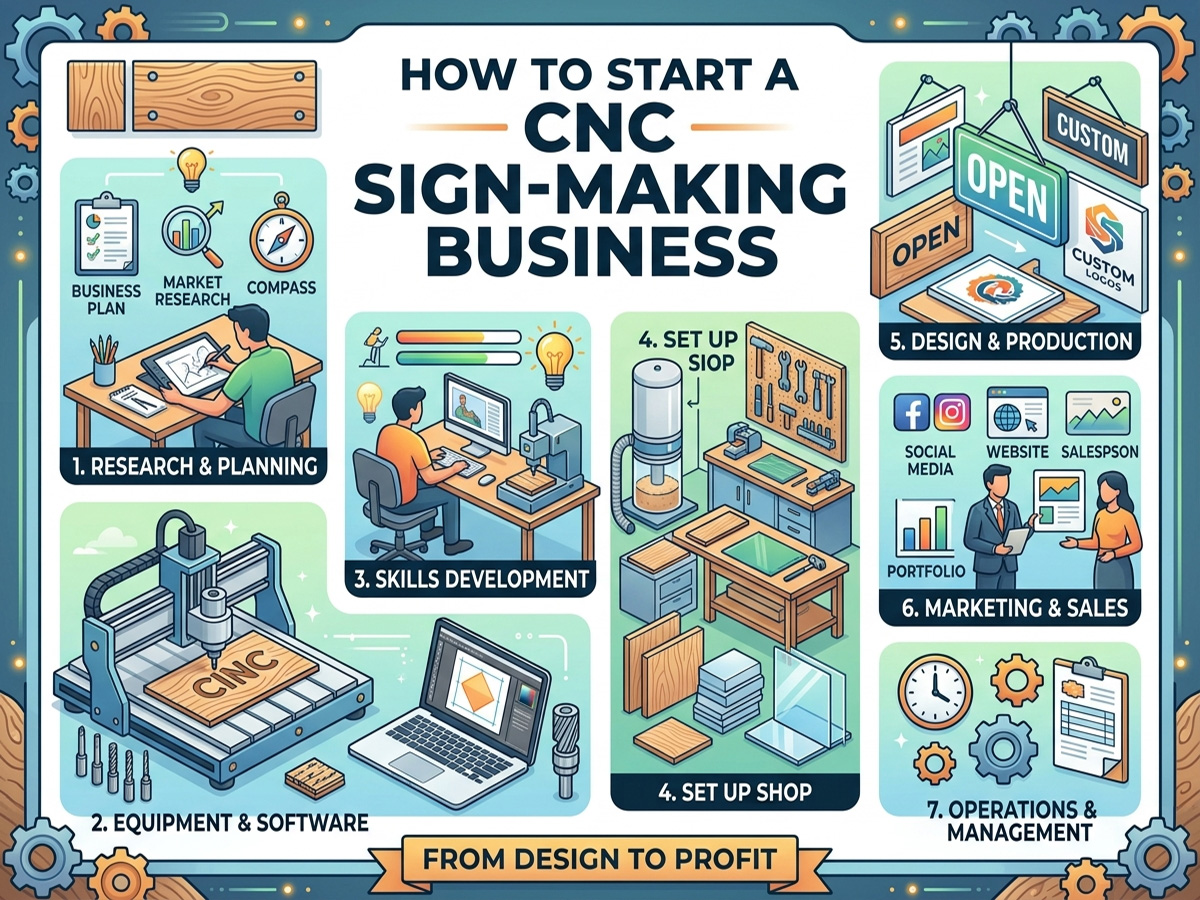
Step-by-Step Guide to Launching Your Business
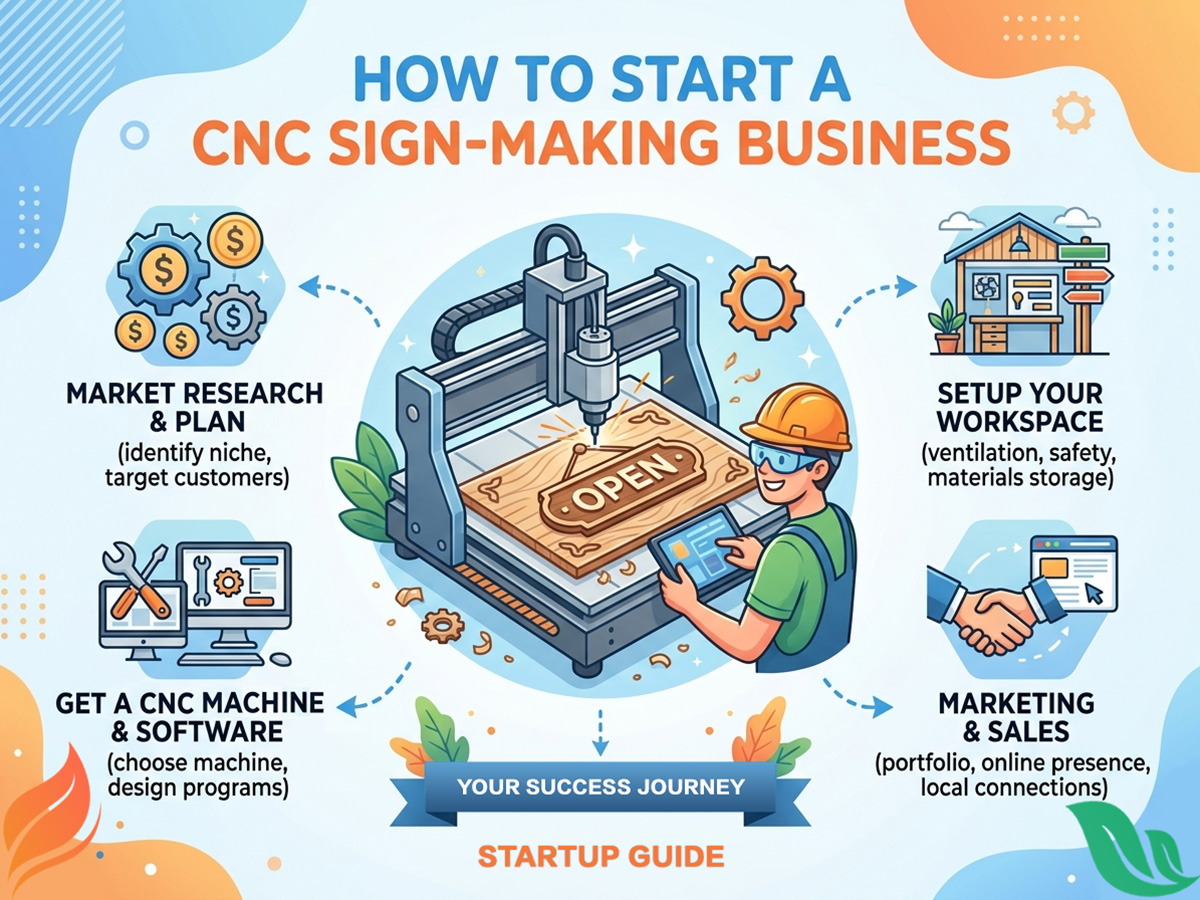
1. Define Your Niche and Target Market
Successful CNC sign businesses rarely try to serve every customer type. Identify whether you will focus on commercial signage (restaurants, retail, offices), residential (address plaques, home decor), event and wedding signage, real estate, or wholesale subcontracting for existing sign shops. Each niche has different pricing dynamics, order volumes, and marketing channels.
2. Register Your Business and Secure Permits
Register as an LLC or sole proprietorship, obtain your local business license, and check zoning regulations if you plan to operate from a residential property. Secure general liability insurance (typically $500 to $1,200 annually for a small sign shop) and consider product liability coverage for outdoor-installed signage.
3. Set Up Your Workspace
A single-car garage can accommodate an entry-level CNC router, dust collection system, and finishing area. Ensure adequate electrical supply (most mid-range CNC routers require a dedicated 20-amp circuit), ventilation for finishing fumes, and organized material storage. As volume grows, plan to transition into a commercial or light-industrial space.
4. Invest in the Right Equipment
Start with the machine that matches your primary sign types. A 4' x 8' CNC router handles standard sheet goods and covers most commercial sign dimensions. If your niche involves detailed engraving on smaller items, a laser engraver with strong cost-to-benefit ratio may be the smarter first purchase. Review CNC software options compatible with your machine to ensure a smooth design-to-production pipeline.
5. Build a Portfolio and Start Marketing
Create five to ten sample signs showcasing different materials, techniques, and styles. Photograph them professionally with consistent lighting and backgrounds. Launch a simple website with a portfolio gallery, pricing inquiry form, and local SEO optimization. Join your local chamber of commerce, visit sign shops that do not offer CNC routing (many outsource this work), and list your services on platforms where contractors and event planners search for vendors.
6. Develop Efficient Production Workflows
Batch similar jobs together to minimize tool changes and material handling. Use nesting software to maximize sheet utilization and reduce waste to under 15%. Create templates for recurring sign types (address plaques, standard letter sizes, common logo layouts) to cut design time on repeat orders. Track your time on every job for the first 90 days to build accurate pricing benchmarks.
Materials Guide for CNC Sign Making
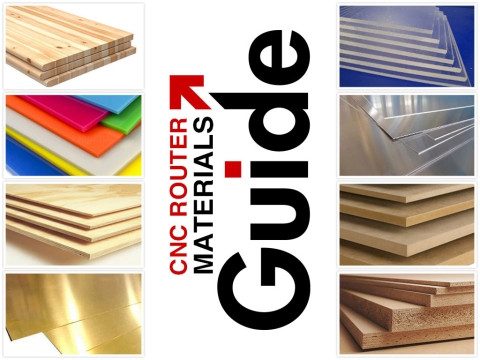
Choosing the right substrate for each project directly affects durability, appearance, machining efficiency, and profit margin. Below is a reference guide to the most commonly used sign-making materials.
| Material | Best Applications | Key Properties | Outdoor Lifespan |
|---|---|---|---|
| HDU Foam | Monument signs, 3D carved panels | Lightweight, waterproof, paintable | 20+ years |
| Cedar / Redwood | Rustic signs, address plaques | Natural beauty, weather-resistant | 10 - 15 years (sealed) |
| PVC Sheet | Cut-out letters, flat panel signs | Waterproof, affordable, easy to cut | Up to 80 years |
| Acrylic | Backlit signs, lobby displays | Clear/colored, polished finish | 5 years outdoor |
| MDF | Indoor signs, templates | Smooth surface, low cost | Indoor only |
| Aluminum Composite | Modern exterior signage | Rigid, weather-resistant, sleek | 15+ years |
| Hardwood (Maple, Walnut) | Premium interior signs, plaques | Rich grain, high-end look | Indoor / covered |
Frequently Asked Questions
What size CNC router do I need for sign making?
A 4' x 8' bed is the industry standard for sign work because it handles full-size sheet goods. Smaller 2' x 4' machines work for address plaques and small interior signs but limit commercial opportunities.
Can I start a CNC sign business from my garage?
Yes. Many profitable sign businesses began in residential garages or workshops. Ensure proper dust collection, electrical capacity, and check local zoning rules before starting production.
How long does it take to make a CNC sign?
Simple V-carved address signs take 30 to 60 minutes of machine time. Complex 3D business signs with multiple layers and finishing can require 4 to 8 hours total, including design, routing, and painting.
Is a laser or CNC router better for sign making?
Both serve different purposes. CNC routers excel at thick materials and dimensional carving. Lasers handle fine engraving and thin-material cutting. Operating both machine types covers the widest range of customer requests.
What software do sign makers use with CNC machines?
VCarve Pro and Aspire by Vectric are the most popular choices among CNC sign makers. Other widely used options include EnRoute Pro, ArtCAM, and Fusion 360 for more complex 3D work.
Do I need design skills to start a CNC sign business?
Basic vector design skills are essential. Most CNC sign software includes templates and tutorials that shorten the learning curve. Proficiency in Adobe Illustrator or CorelDRAW is a strong advantage.
Turn Your CNC Investment into a Profitable Sign Business
CNC sign making combines creative craftsmanship with scalable manufacturing, creating a business model with strong margins and diverse revenue streams. The barriers to entry are lower than ever, with capable machines available across every budget tier and a global signage market that continues to expand.
The key to long-term success lies in choosing reliable, precision equipment that grows with your business, mastering efficient production workflows, and pricing your work to reflect its true value. STYLECNC offers a complete lineup of CNC routers and laser engraving machines engineered for sign-making applications, backed by technical training, lifetime support, and global shipping to help you launch with confidence.
Ready to start your CNC sign-making business? Contact STYLECNC for a free consultation and equipment recommendation tailored to your production goals and budget.