CNC Router for Aluminum Cutting Samples
Review the CNC aluminum cutting samples & projects by ATC CNC router with 9KW air-cooling spindle. You will understand what a CNC metal cutting machine can do.
Looking for 3D CNC router STL files for your woodworking projects? Free download the most popular 3D woodworking files to fit your CNC machining requirements.
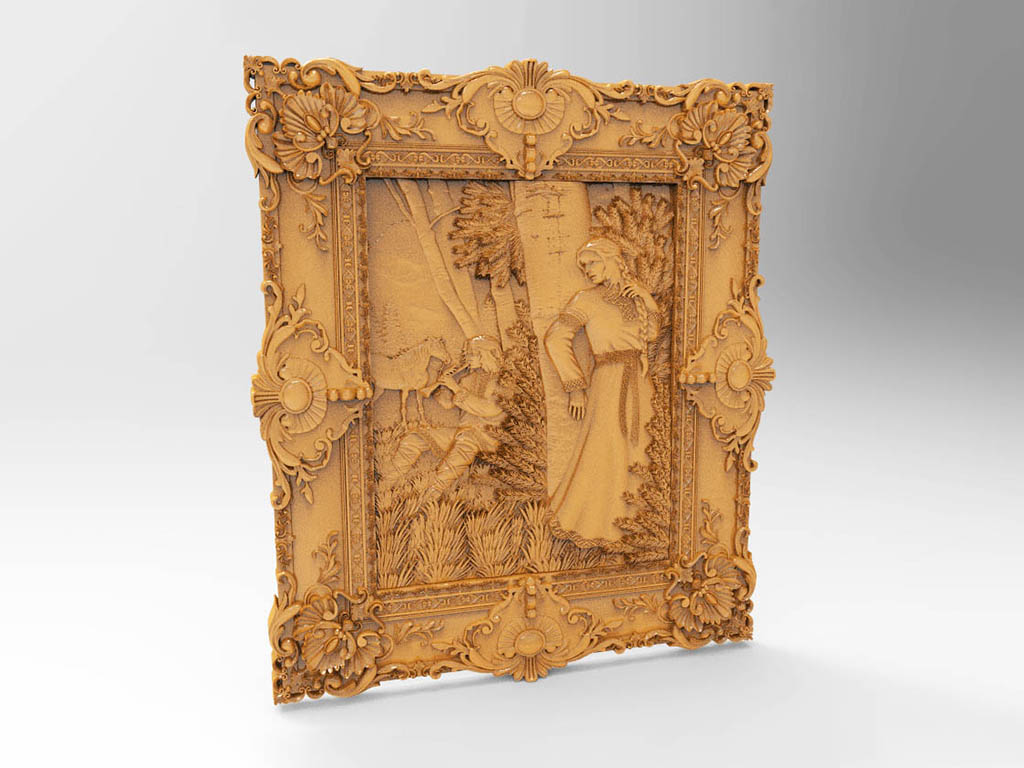
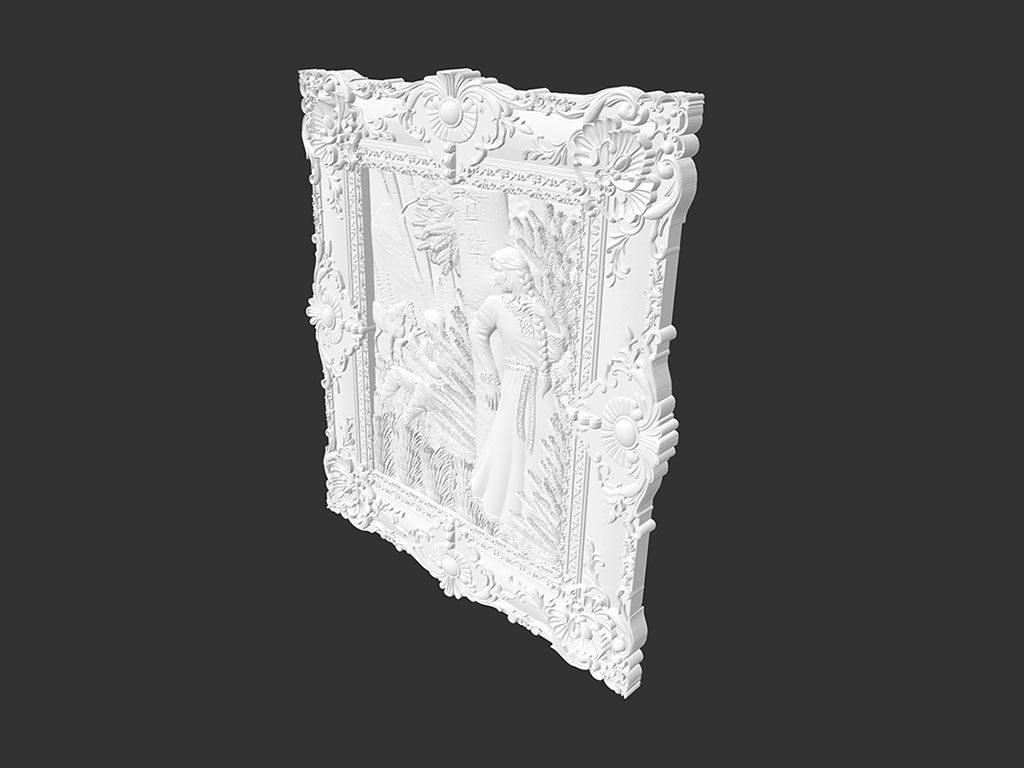
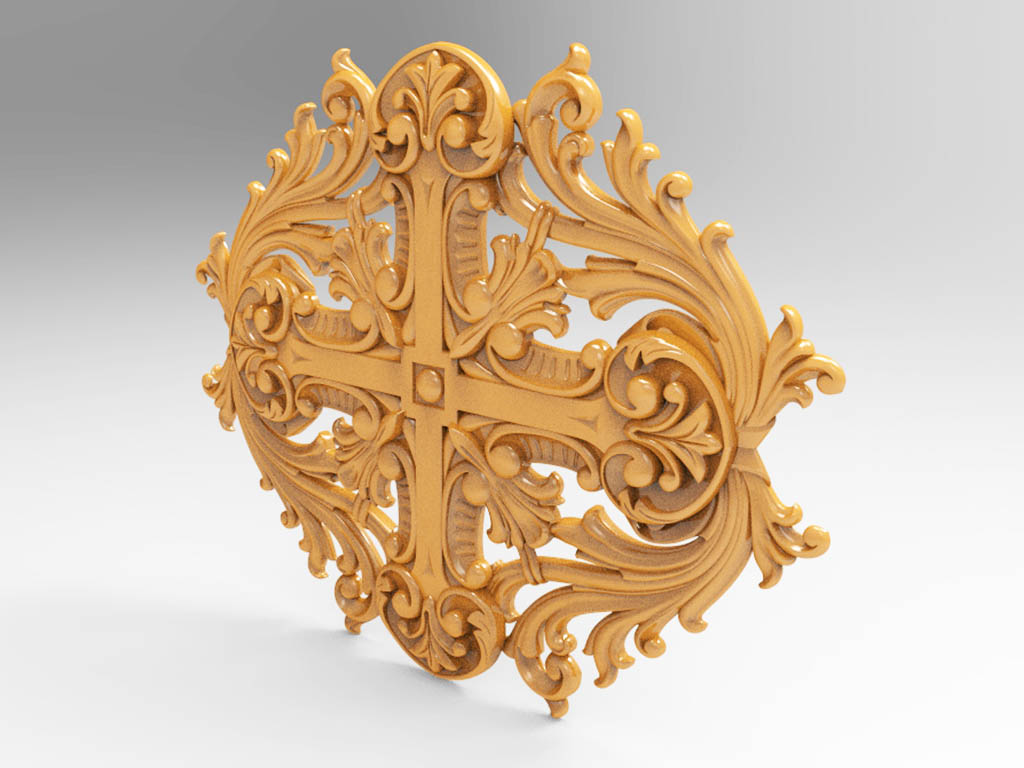
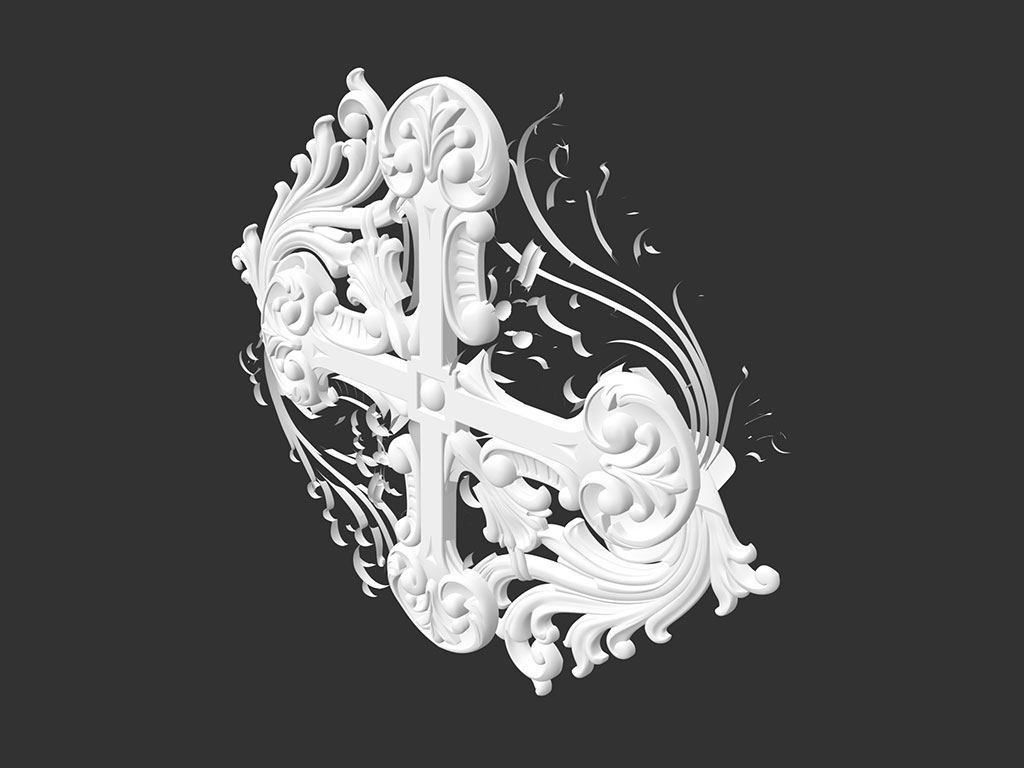
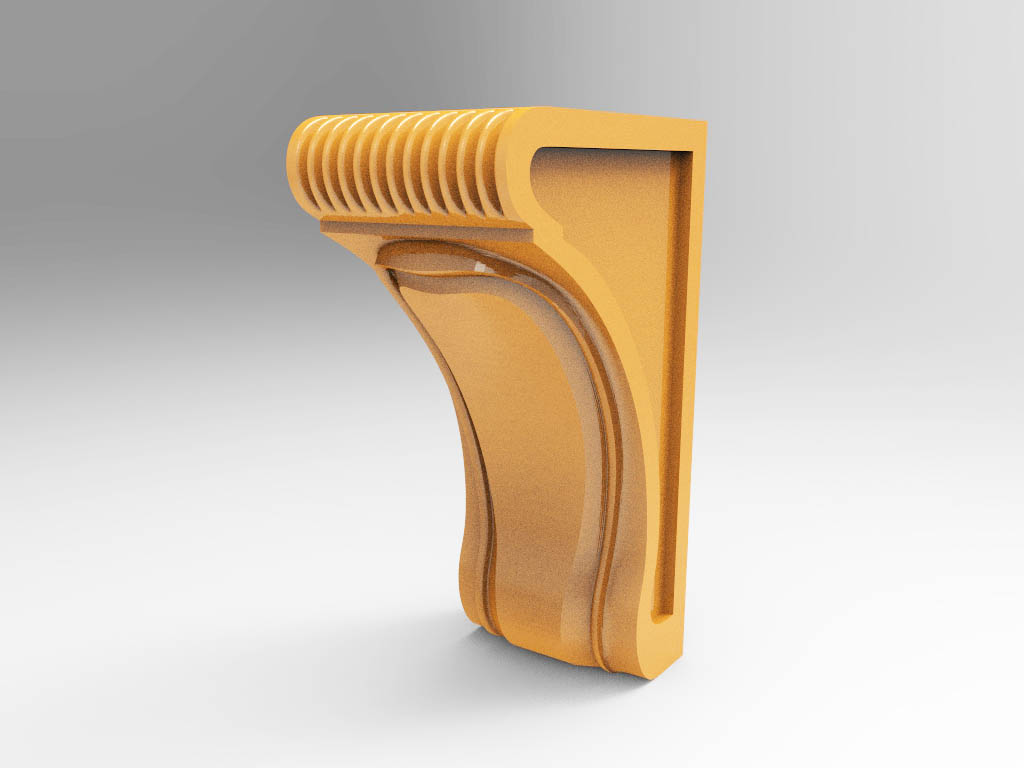
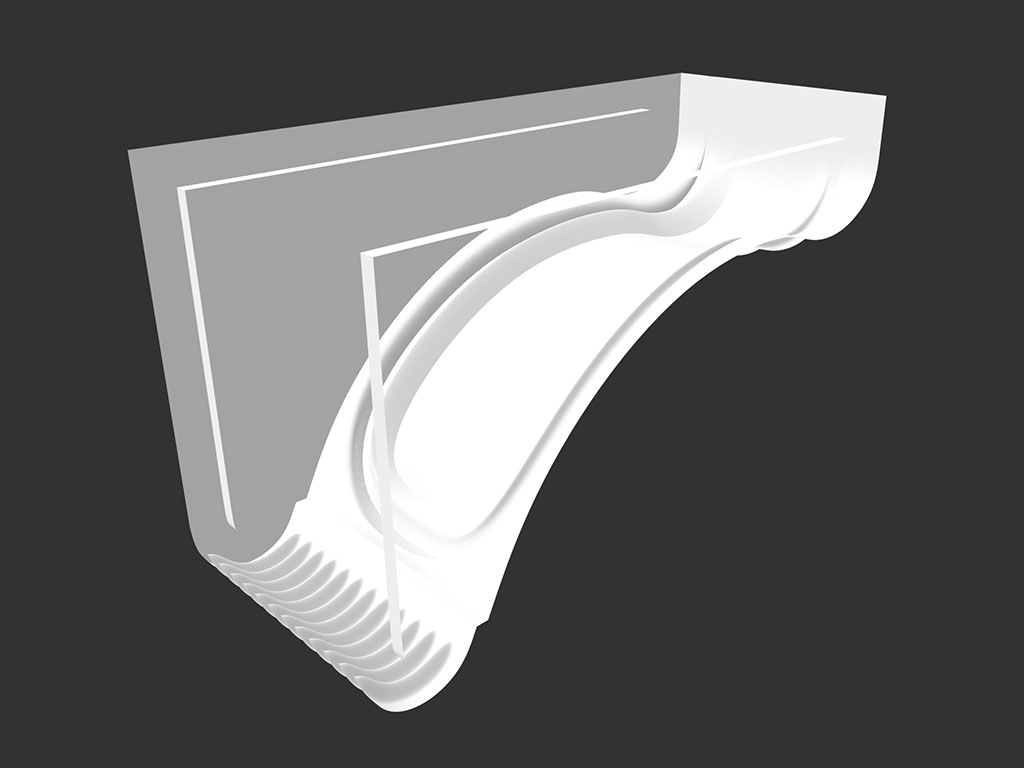
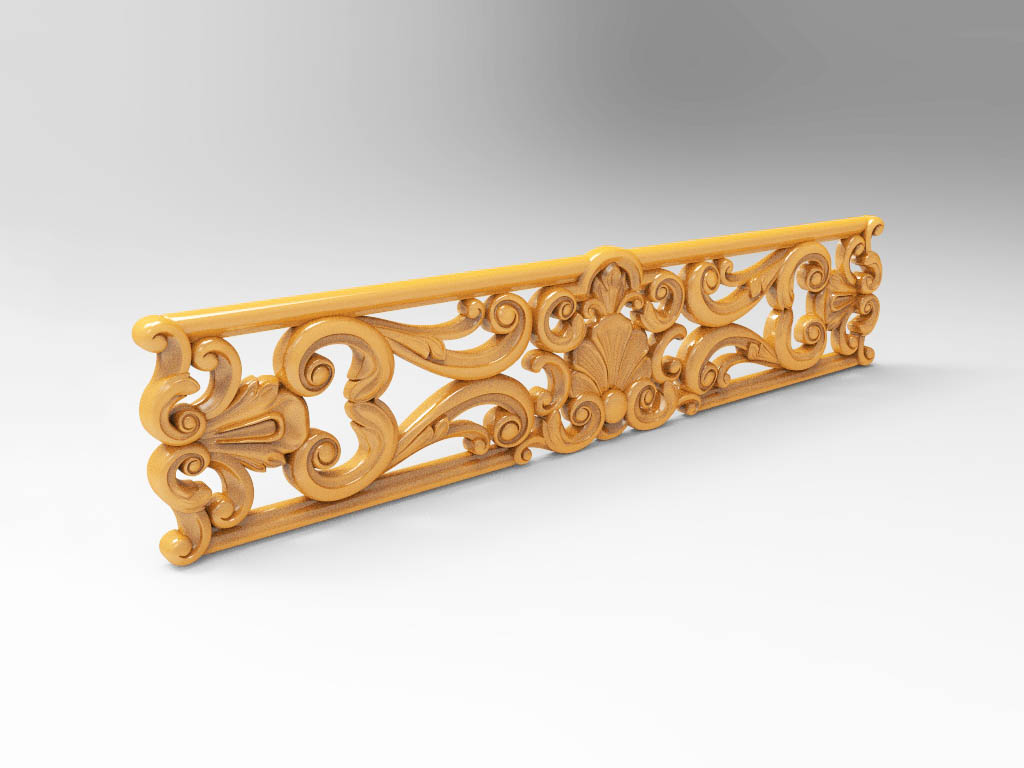
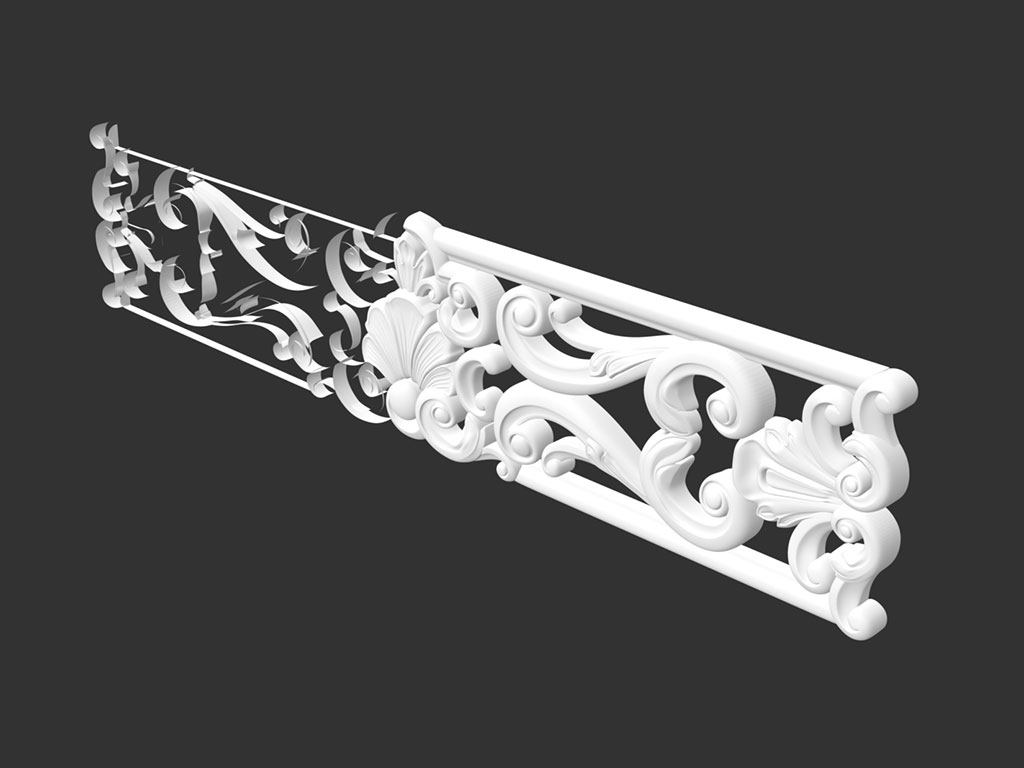
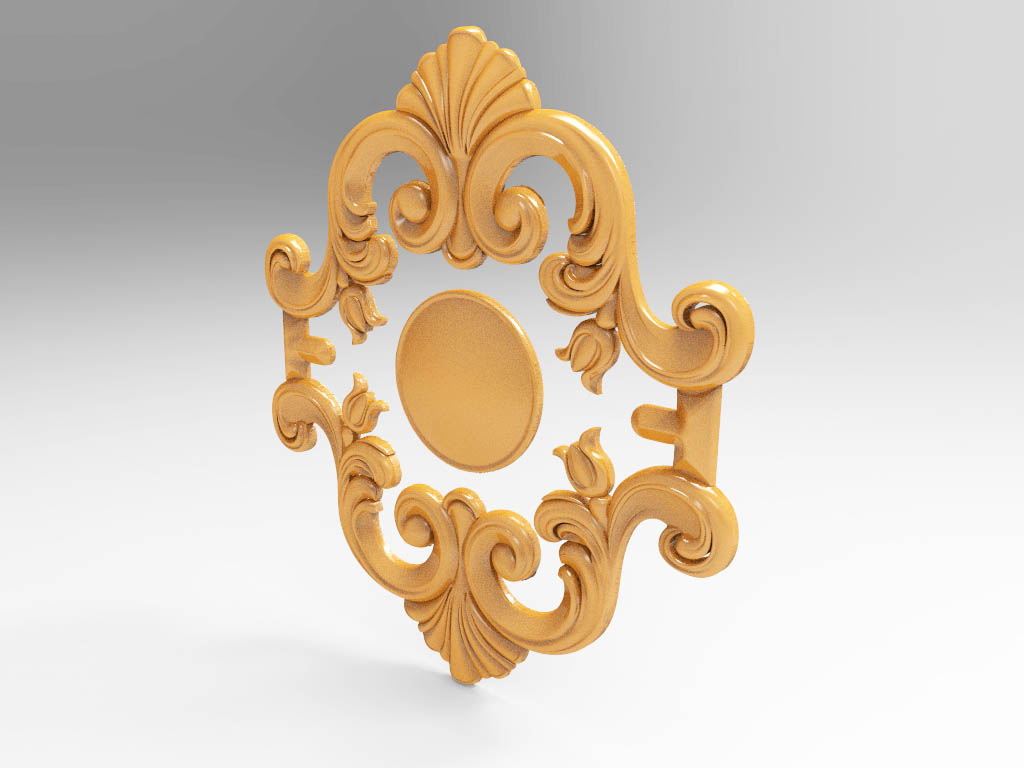
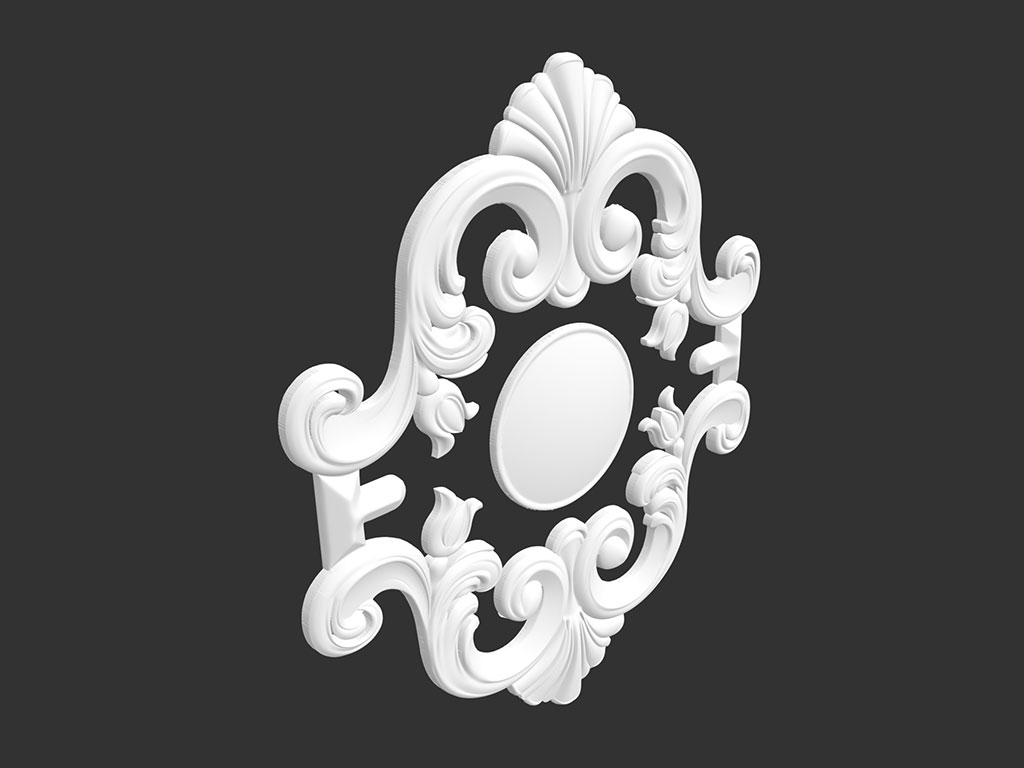
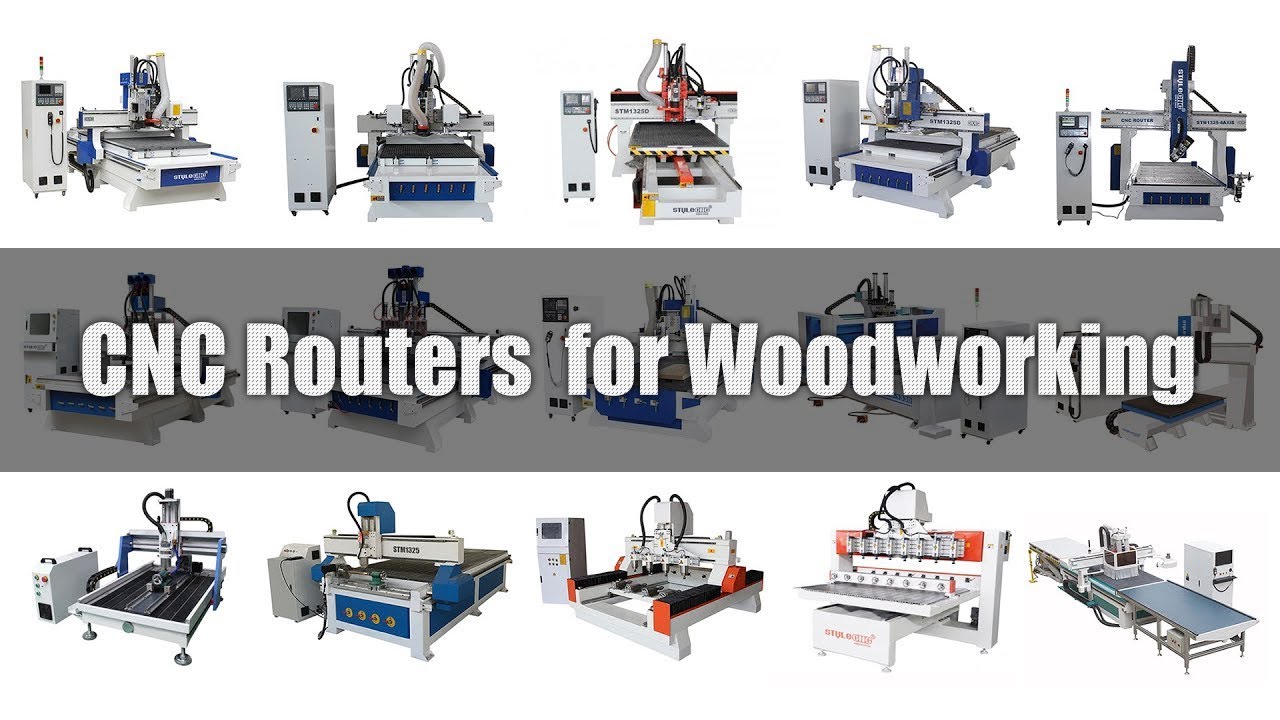
Are you looking for free CNC router STL files for your woodworking projects? Review the 3D woodworking STL files from STYLECNC, including wood 3D relief model STL files, 3D wood decoration model STL files, wood corbel 3D model STL files, 3D wooden furniture model STL files, and 3D wood home decor design STL files. You will get the best 3D CNC woodworking ideas as a good reference for buying a CNC router machine.
A wood CNC machine uses computer signals as instructions to control the movement, timing, logic, and other functions through the computer, to drive the spindle and bits to complete woodworking automation.
Unlike handheld, palm, plunge, plunge base, and fixed base routers, the functional software of a CNC wood router is CAD/CAM. CAD software allows users to create the designs they wish to work on a woodworking CNC machine. After completing this design, the CAM software will convert the design into a tool path code that the wood CNC machine can understand. Then, the computer converts this code into a signal that controls the movement of the drive system of the machine.
The drive system includes a spindle, which is the part that saves the actual machine position. The spindle rotates 8,000 to 50,000 times per minute to cut the material. In short, the user creates a design and uses the software to make instructions for the machine.
Here are some of the fields where a CNC wood router will have access:
• Furniture Making: home furniture, art furniture, antique furniture, office furniture, cabinet making, door making, cabinet doors, interior doors, home doors, cupboard doors, table legs, sofa legs, wood spindles, corners, screens, headboards, composite gates, MDF projects, wood crafts, wood arts.
• Advertising.
• Die Making.
• Hollowing.
• Relief Carvings.
• Wood Cylinders.
• 3D Woodworking Projects.
• Sign Making.
• Custom Woodworking Plans.
The proper use of the STL files will ensure the most efficient production for your project. This is a long way from preparing the digital file to executing the cut on the machine. Here we have given a brief guide.
1. Download the STL file.
2. Import the STL file into CAD/CAM software.
3. Generate the tool-path.
4. Prepare the CNC router.
5. Load the G-code file.
6. Calibrate the CNC router.
7. Now, run the machine.
8. Make sure to give a finishing touch to your final products.
Free Download 3D Woodworking CNC Router STL Files From:
3D Woodworking CNC Router STL Files
Downloading a free STL file is only the first step. Proper file preparation in CAM software determines whether the finished carving matches the design or ends with broken bits and wasted material. Start by importing the STL into your CAM program, such as Aspire, ArtCAM, Carveco, or VCarve, and verify that the model has a flat bottom face suitable for relief carving. STL files designed for 3D printing often have fully enclosed geometry that must be trimmed to a single-sided relief before generating toolpaths for a CNC router.
Scale the model to fit your workpiece dimensions and your machine's cutting envelope, then set the material thickness to match your stock. Generate a roughing pass with a large flat endmill to remove bulk material quickly, followed by a finishing pass with a ball-nose bit at a fine stepover of 5 to 10 percent of the bit diameter for smooth surface detail. The CNC software resource library provides compatible CAD/CAM tools, and the broader collection of free 3D CNC router files for beginners includes DXF and STL downloads with step-by-step preparation notes for each project.
Not every STL file works on every machine. File complexity, carving depth, and axis requirements must align with your CNC router's hardware to produce clean results. Flat relief carvings, decorative panels, and sign artwork run well on standard 3-axis CNC wood routers with adequate spindle power for continuous material removal. Deeply sculpted models with undercuts and wraparound geometry require a 4-axis CNC router with rotary attachment or a dedicated 3D CNC router machine to access surfaces that a fixed vertical spindle cannot reach.
Spindle wattage matters for intricate STL models with fine detail and deep pockets. Underpowered spindles stall during aggressive roughing passes, causing chatter marks and potential workpiece damage. As a general rule, hobby routers with 1.5 kW to 2.2 kW spindles handle moderate relief carvings in softwood and MDF, while hardwood sculptures and large-scale architectural elements benefit from 3 kW or higher. For 2D sign projects that use simpler vector files rather than 3D STL models, the gallery of CNC router wood sign and plaque carving projects showcases real-world results and the machines used to produce them.
A: An STL file stores 3D surface geometry as a mesh of triangles. CNC CAM software reads this mesh and generates multi-depth toolpaths that guide the router bit to carve the shape layer by layer into wood, creating relief carvings, decorative panels, corbels, and sculptural elements.
A: Some 3D printing STL files work, but many have fully enclosed geometry unsuitable for single-sided CNC carving. Files with a flat bottom face and open relief surfaces produce the best results. CAM software can trim enclosed models to a relief, but files designed specifically for CNC routing require less preparation.
A: Popular options include Vectric Aspire, VCarve Pro, Carveco Maker, ArtCAM, Fusion 360, MeshCAM, and EstlCAM. Each imports STL files and generates roughing and finishing toolpaths. Aspire and Carveco are the most widely used for dedicated CNC wood relief carving workflows.
A: Use a flat endmill for the roughing pass to remove bulk material quickly, then switch to a ball-nose bit for the finishing pass. A 6 mm ball-nose at 8 to 10 percent stepover produces smooth surfaces on most woodworking relief carvings. Smaller ball-nose bits capture finer detail but increase cycle time.
A: Not always. Most relief carving STL files are designed for 3-axis machines and carve into a flat workpiece from one side. A 4-axis rotary setup is only required for wraparound carvings like columns, table legs, and cylindrical sculptures where the tool must access the full circumference.
A: License terms vary by source. Some free STL files permit commercial use under Creative Commons licensing, while others restrict usage to personal projects only. Always review the license agreement before selling products made from downloaded files, and contact the creator if terms are unclear.
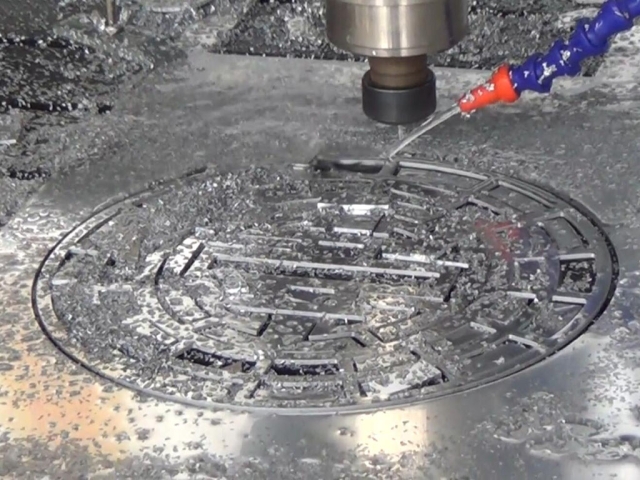
Review the CNC aluminum cutting samples & projects by ATC CNC router with 9KW air-cooling spindle. You will understand what a CNC metal cutting machine can do.
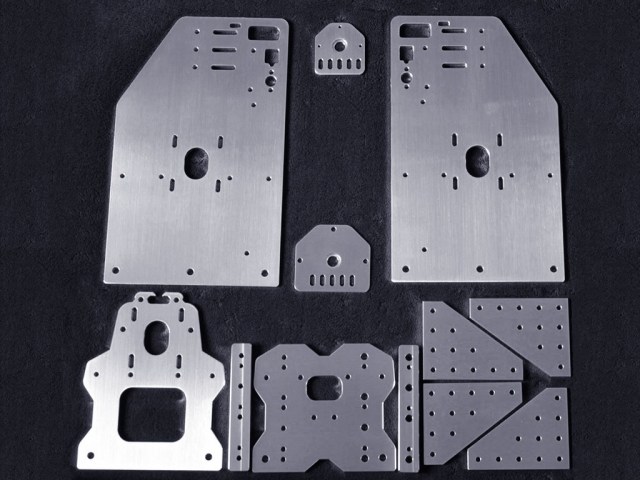
Aluminum cutting projects are made by STM2040-R1 CNC router machine with 6KW spindle, and the aluminum cutting edge is very smooth.
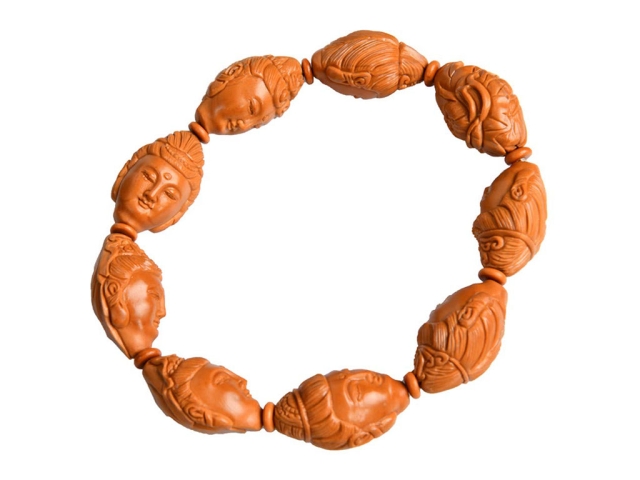
CNC router machine can be used for olive-stone carving with moving table to guarantee higher precision and more stable performance.